Playground
Make it yours.
One gallery, every setting. Each chip is an option from the block sidebar – five layouts, scroll reveal effects, sizes per device, the carousel’s arrows, captions and their presets, hover, the filter’s presets and styles, animations, the lightbox. Mix them, filter, open an image. The finer design controls – arrow design, caption looks and presets, extra hover, reveal and filter effects, filter styles, lightbox themes, autoplay timing – are Wisp Gallery Pro settings; the free plugin renders all of them.
Layout
layout: masonry columns: 4 · 3 · 2 row height: 220 px crop: 1:1 gap: 8px radius: 6px reveal: off stagger: 2.5 rem
Items & captions
hover: zoom caption preset: frosted glass captions: on hover caption look: glass caption size: XS caption align: center
Filter
look: pills + mobile dropdown rounding: style default size: S counts: badge display: dropdown on phones gap: 0.5rem filter animation: move + fade
Lightbox
look: dark opens with: zoom captions: on counter: on arrows: chevron background: look default text and icons: look default buttons: look default














Media Library
Straight from the Media Library
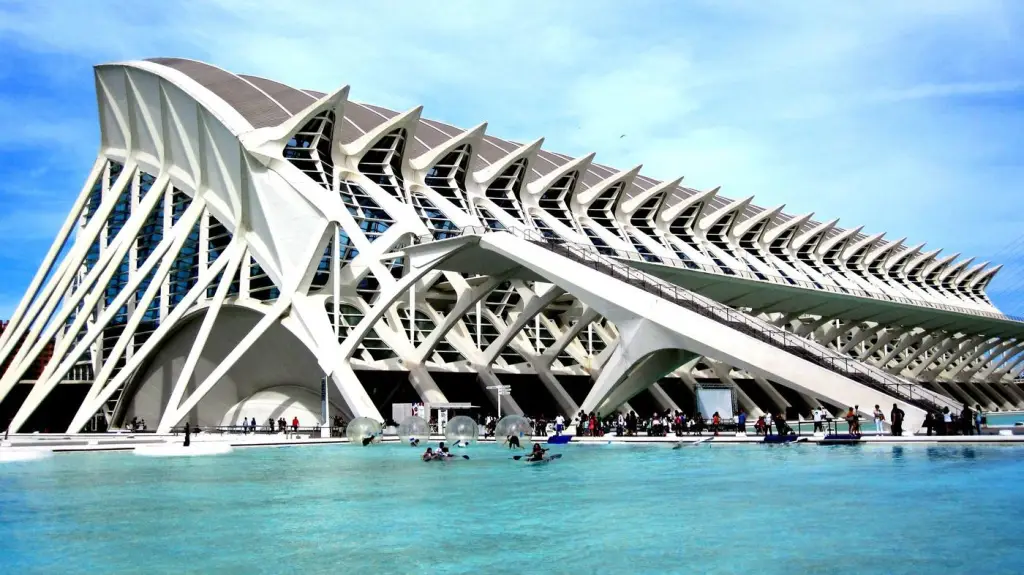
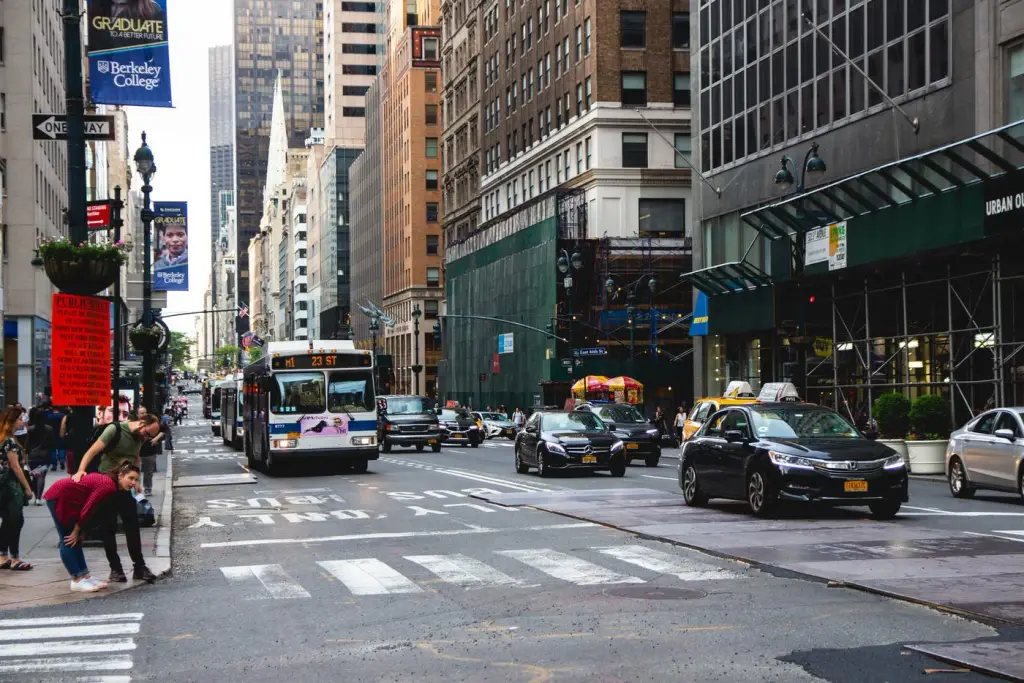
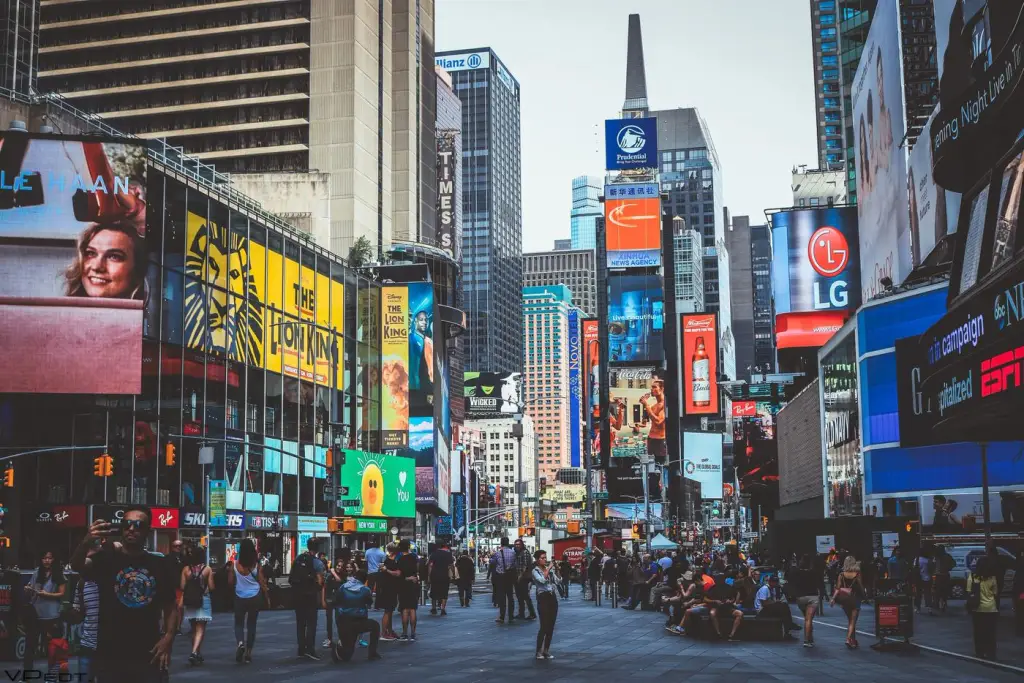
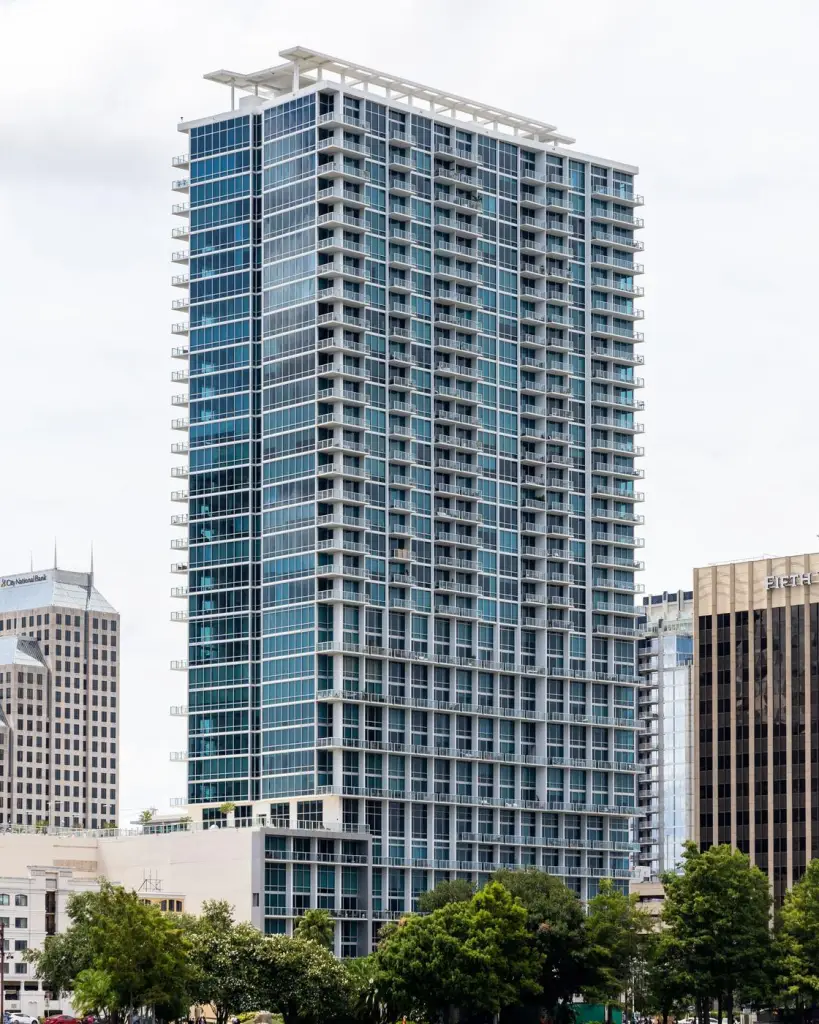
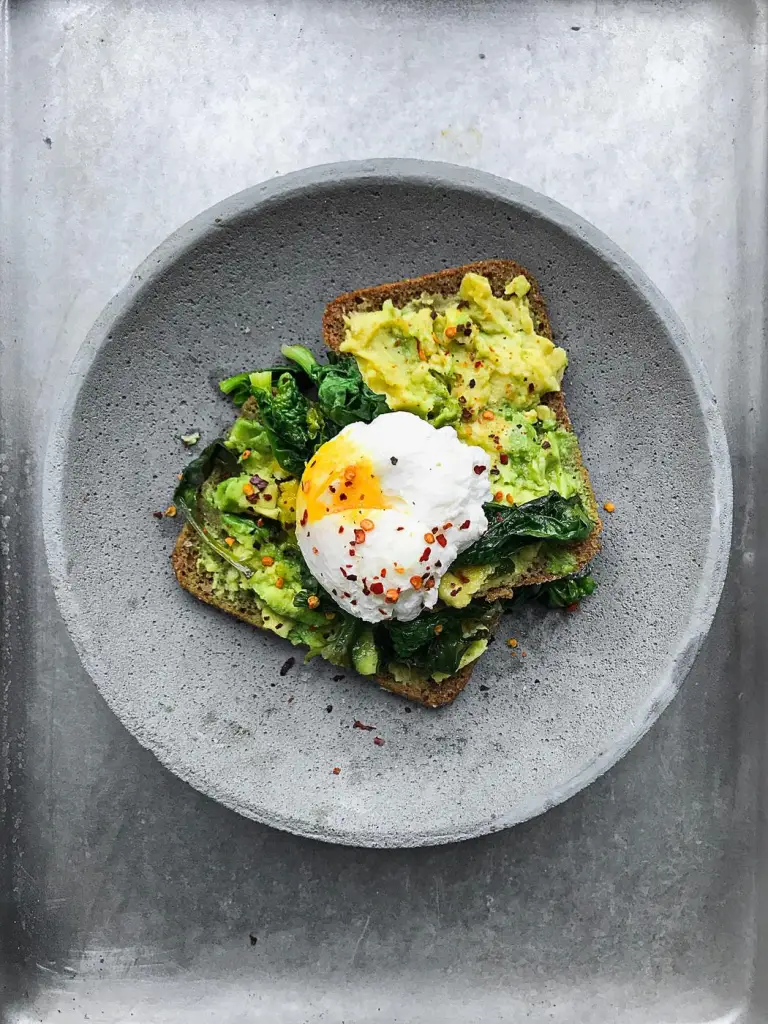
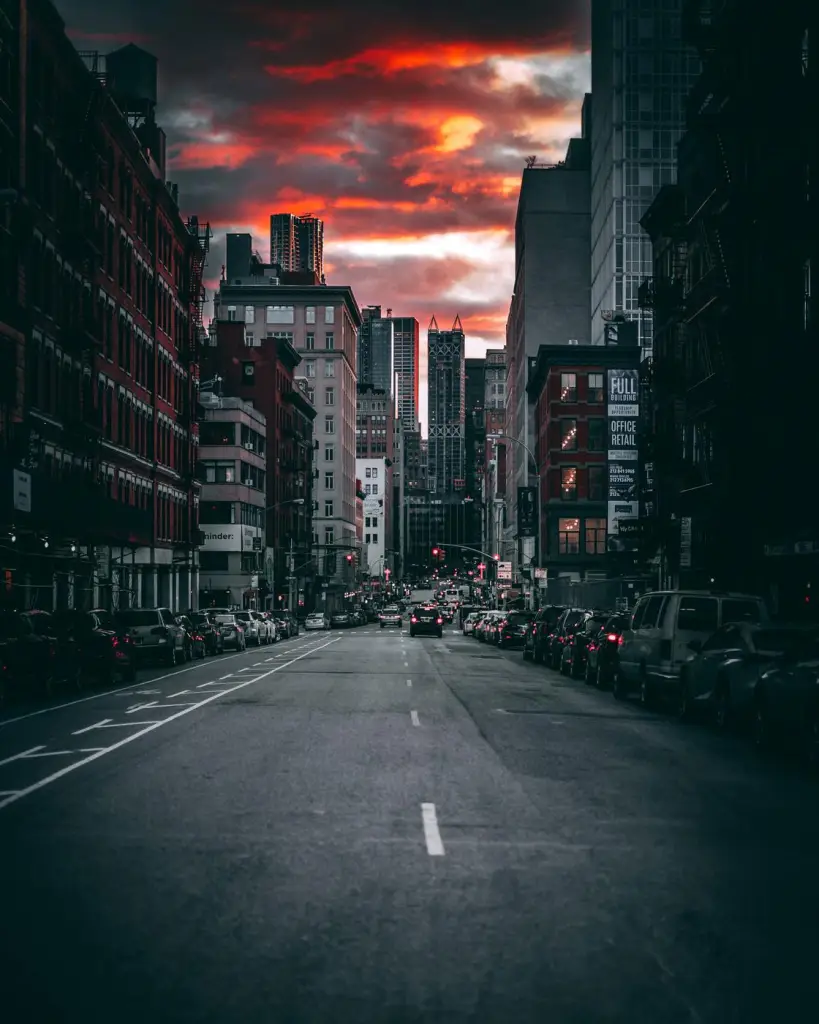
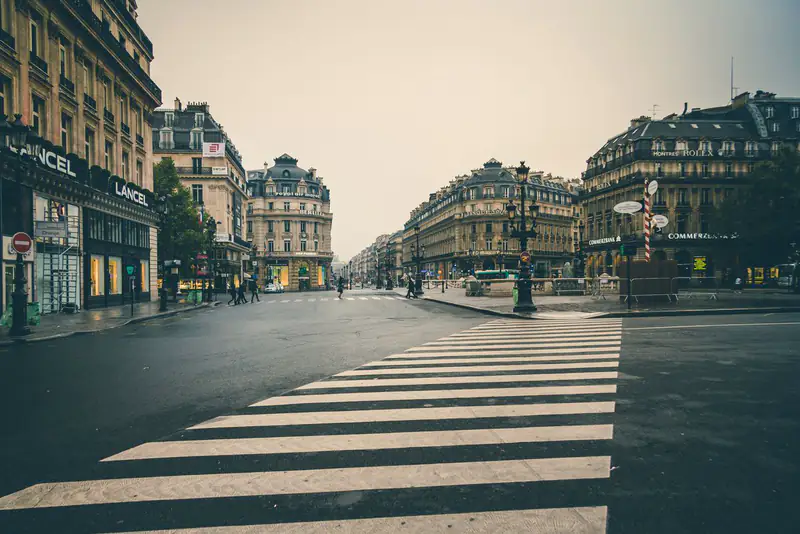
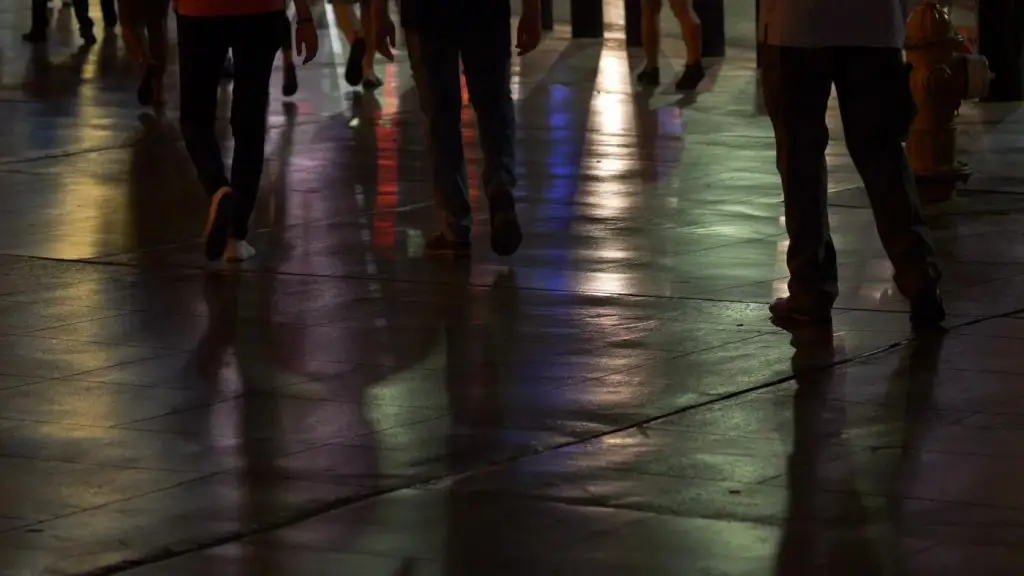
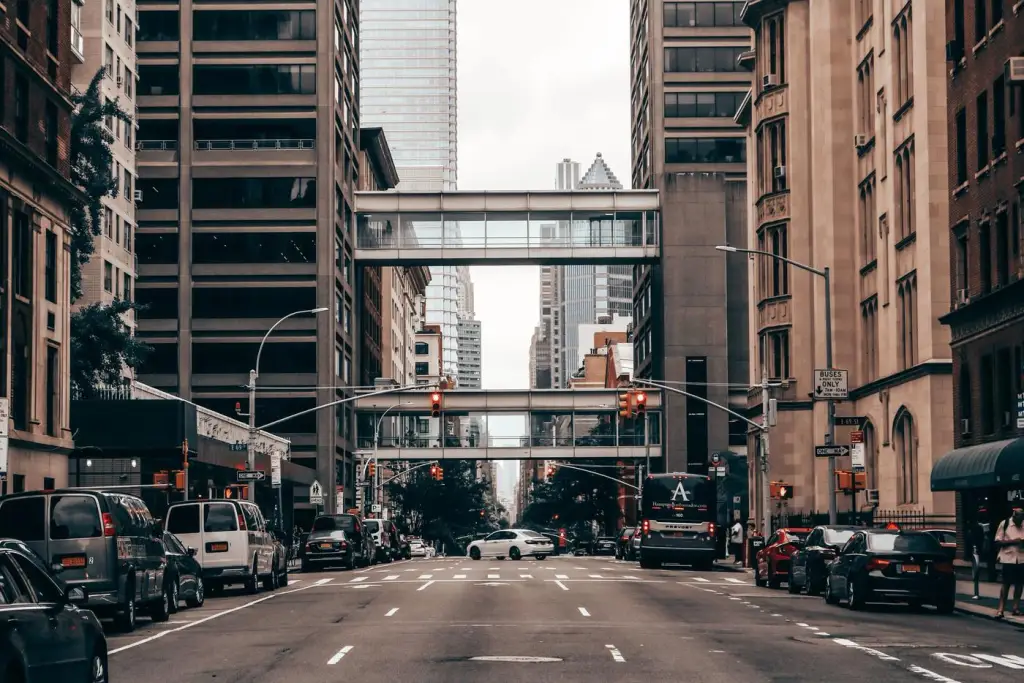
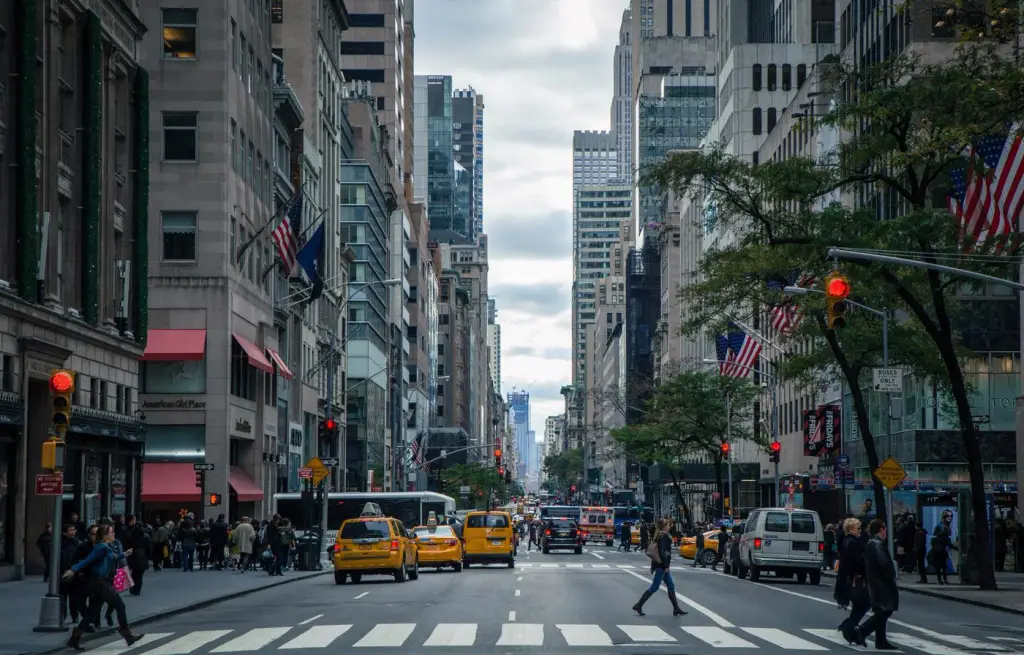
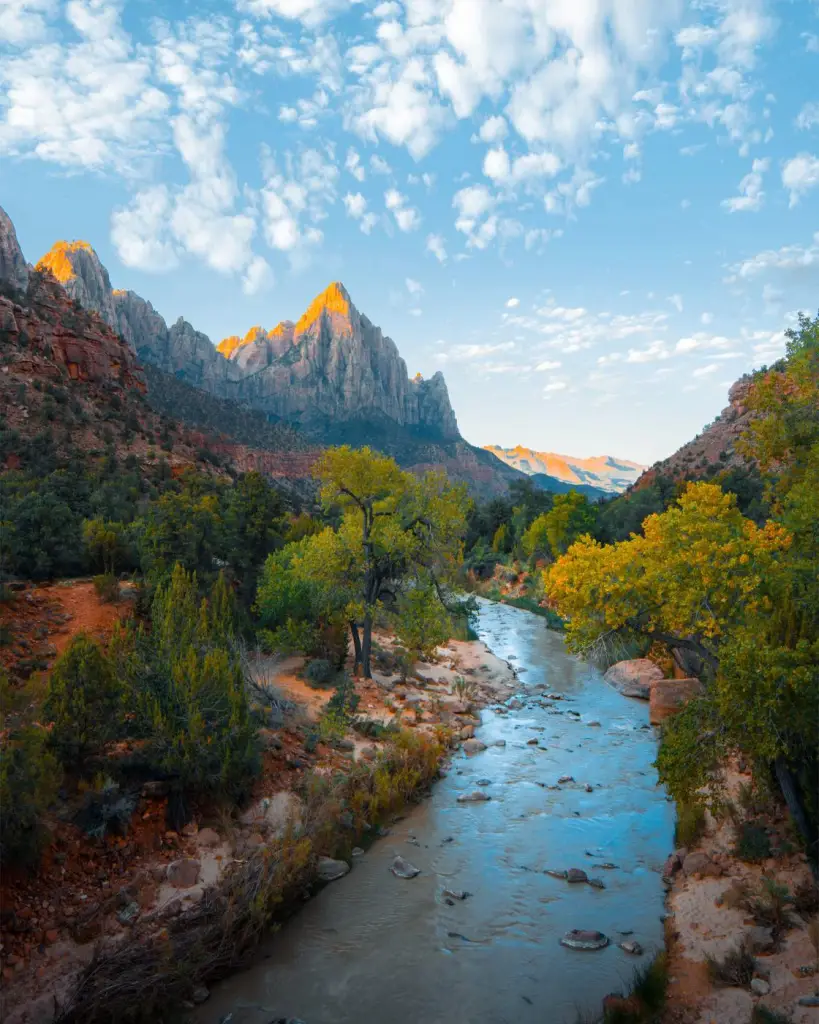
A Gallery Media Query shows images by category, so new uploads appear without touching the page. Here: nature and street photos in a grid with a fixed row height and a dropdown filter.
Settings layout: grid crop: fixed height row height: 200 px columns: 5 · 3 · 2 hover: zoom filter animation: crossfade lightbox: dark opens with: zoom






Free · GPL v2 or later · No account
Get Wisp Gallery.
It’s free.
Download the zip, upload it under Plugins → Add New → Upload, and add a Filterable Gallery to any page. The free version needs no license key and no account.
Need more? Pro adds videos, WooCommerce products, albums, load more and every design control, from $2.99 a month. See what Pro adds →