Layouts
Five layouts. One block.
Pick the shape that suits the photos – every layout filters, opens the lightbox and adapts to phones. The chips under each title are the block’s own settings; change them live. Some, like hover lift or the autoplay timing, are Wisp Gallery Pro settings.
Masonry Justified rows Grid Carousel Accordion Scroll reveal
01 — Masonry
Masonry
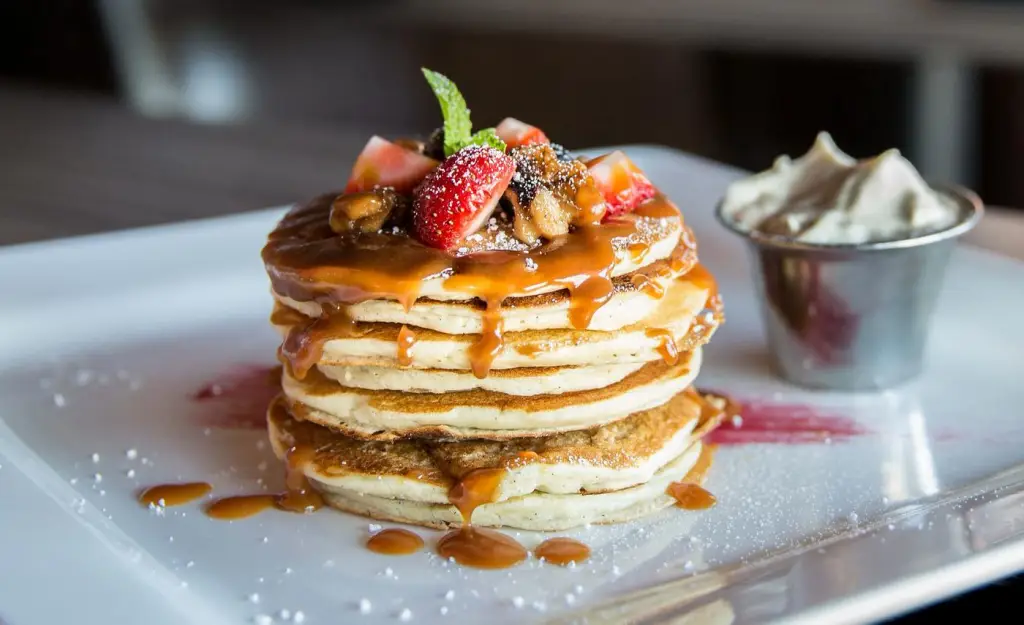
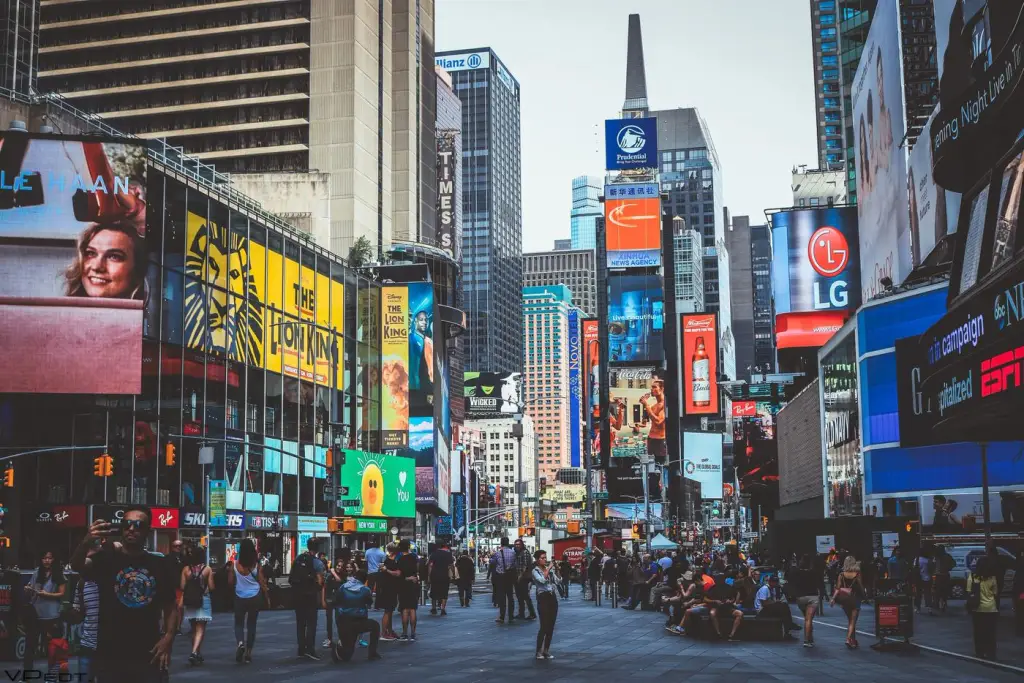
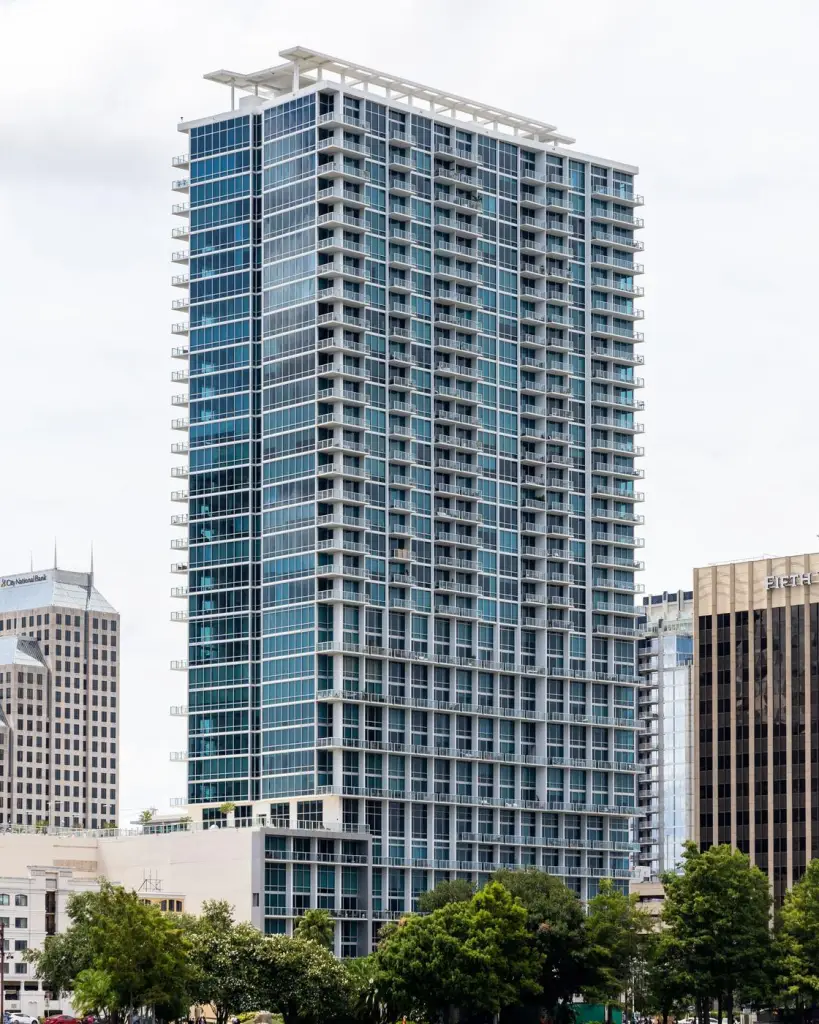
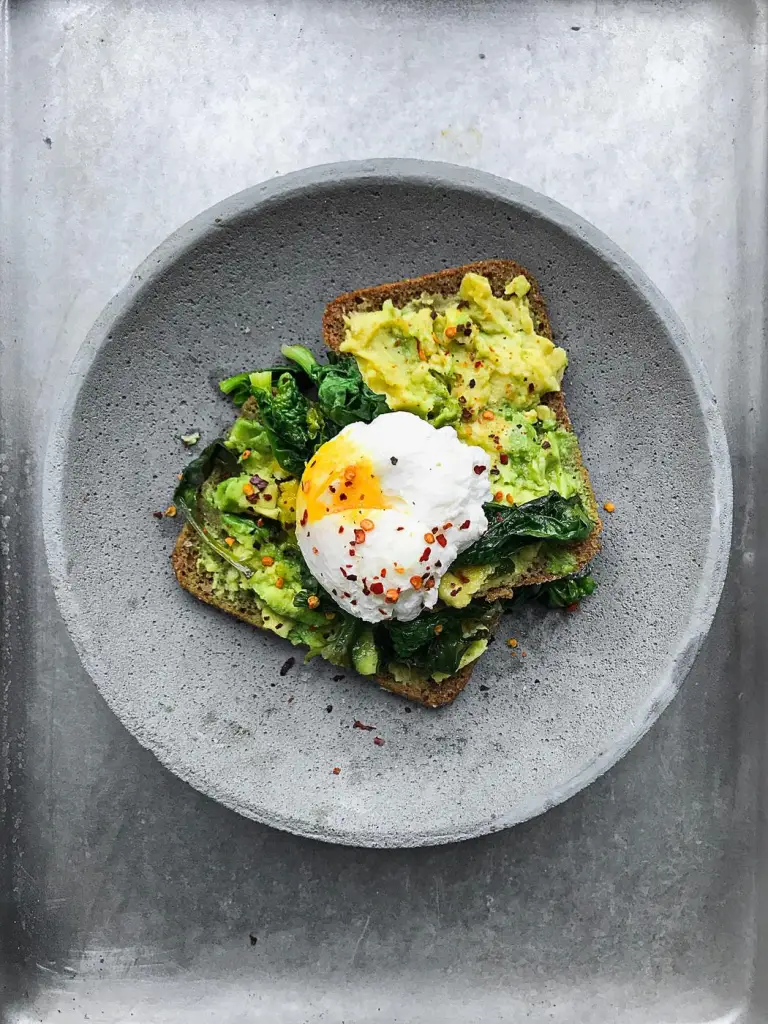
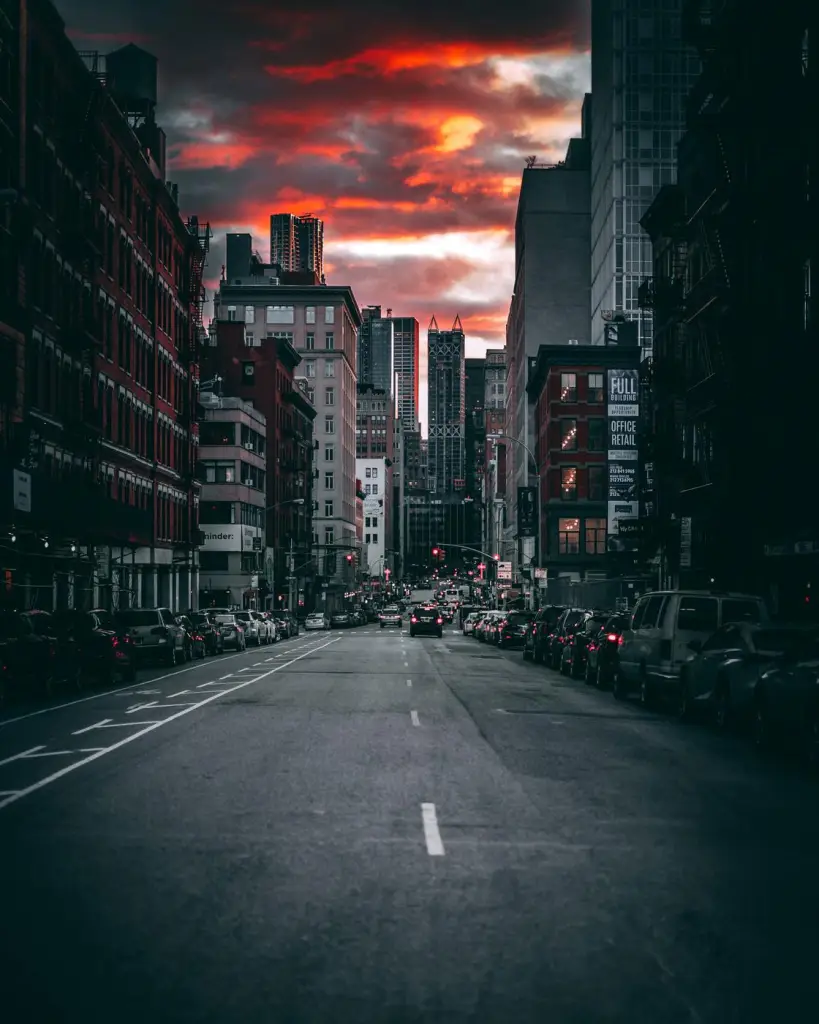
Each image goes into the shortest column, so the layout stays balanced while the reading order stays left to right.
Settings columns: 4 · 3 · 2 gap: 12px captions: on image hover: lift filter animation: move + fade reveal: off










02 — Justified rows
Justified rows
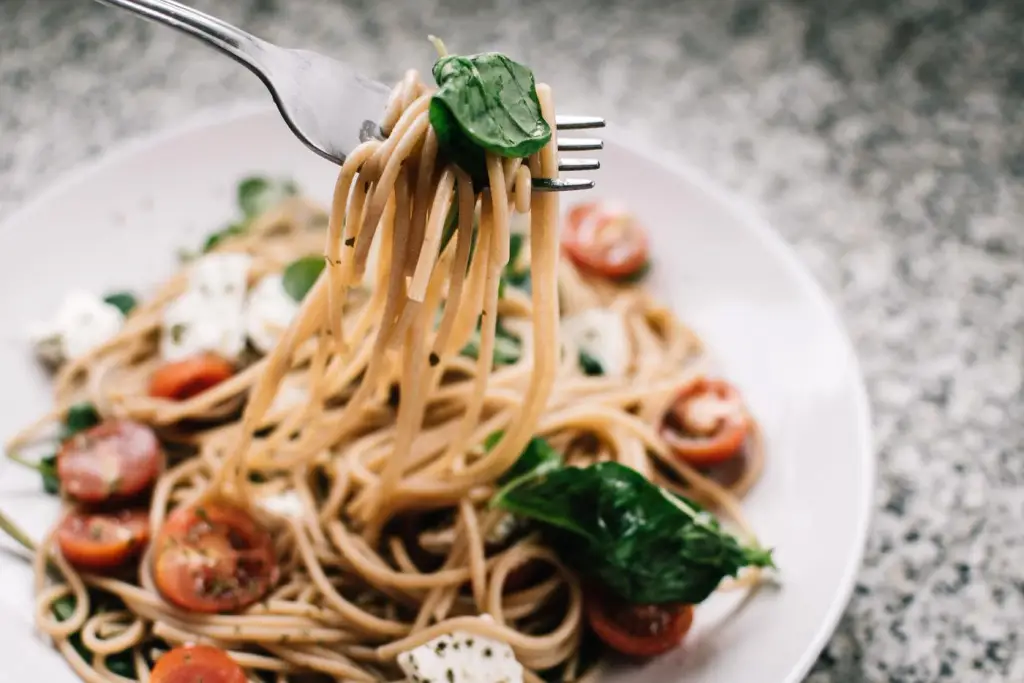
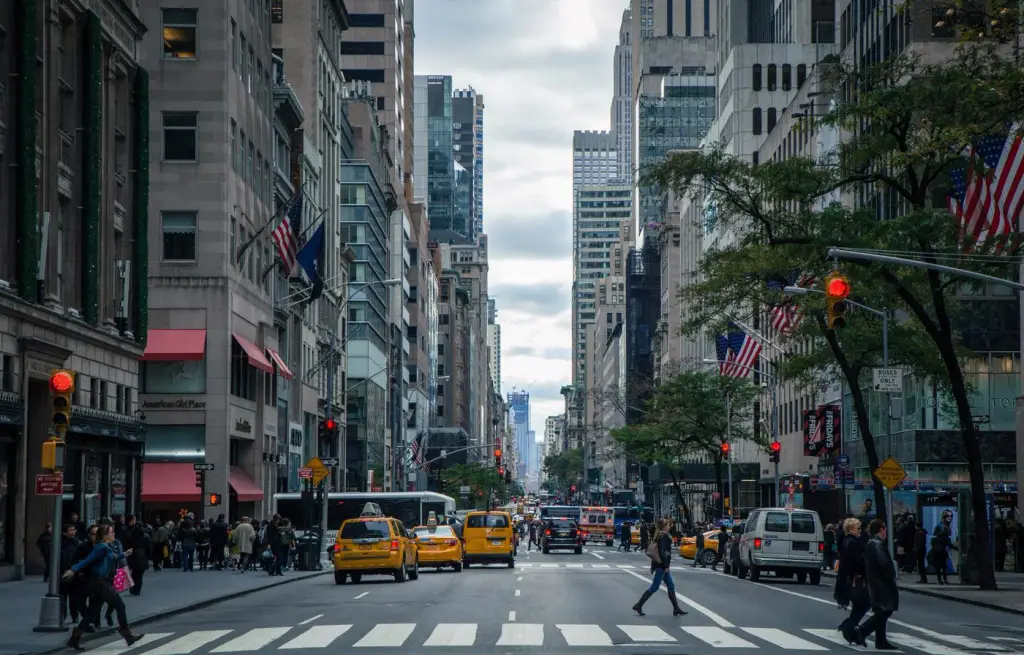
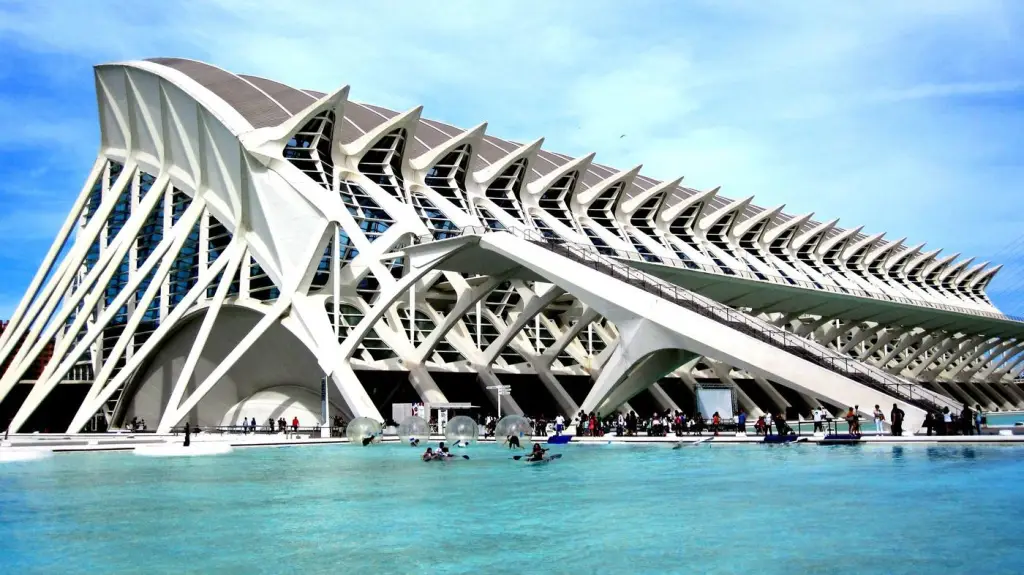
Like a photo book: every row fills the width at about the same height, and every image keeps its proportions.
Settings row height: 220 px gap: 8px captions: on hover hover: dim filter animation: slide up reveal: off






03 — Grid
Grid
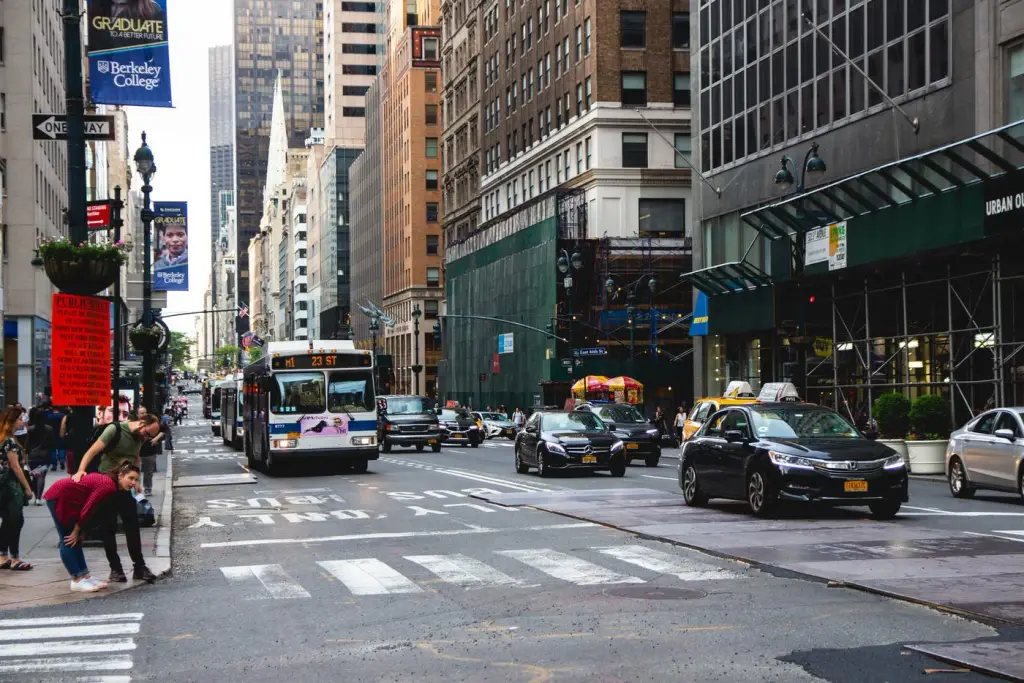
Cropped to one shape – an aspect ratio or a fixed row height. Tidy for products, team pages and anything that should line up.
Settings crop: 4:5 columns: 5 · 3 · 2 gap: 8px caption look: glass hover: lift reveal: off








04 — Carousel
Carousel
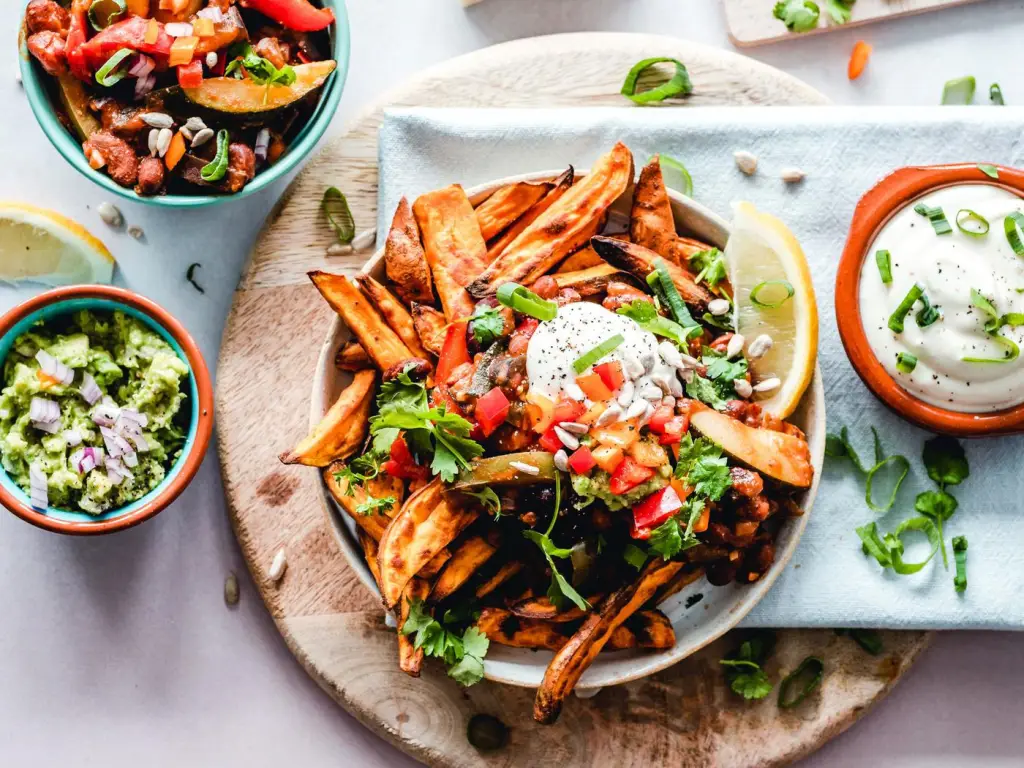
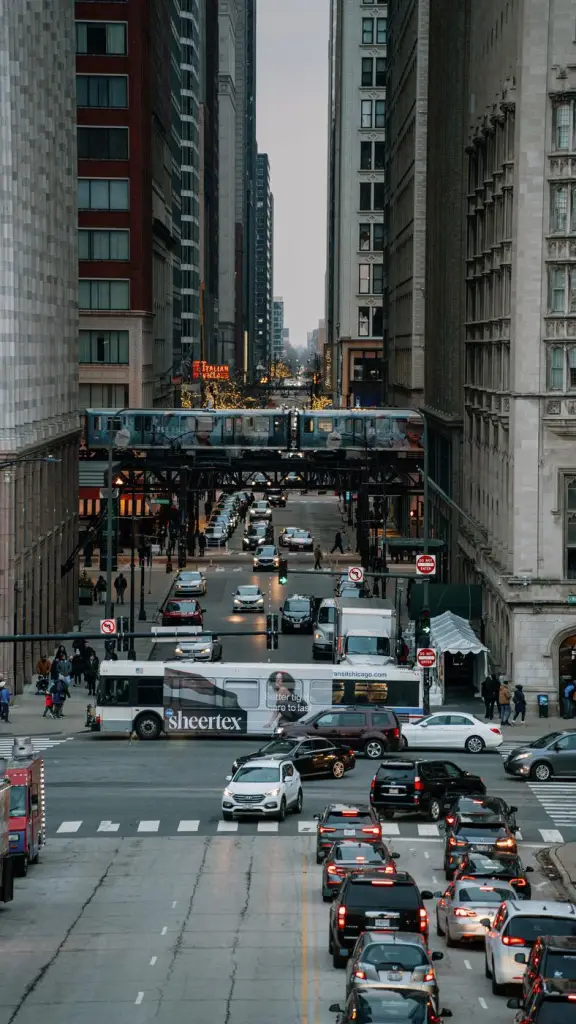
One row that scrolls sideways with snap points and plays on its own: arrows on the photo, one photo per click, and it loops endlessly. Swipe on phones. With Pro, set the autoplay timing or let the arrow follow the mouse.
Settings arrows: on the photos autoplay: 2 s at the end: loop move per click: 1 photo slides: photo widths centered: on scrollbar: hidden slide height: 400 px gap: 12px reveal: off
05 — Accordion
Accordion
Slices that open on hover, focus or click – and each opens to the photo’s own shape, so nothing is cropped. On phones the slices run top to bottom.
Settings opens on: click strip height: 240 px gap: 6px radius: 6px captions: on image
Every layout — 0 KB of JavaScript
Scroll reveal
Photos animate in as they scroll into view, neighbours one after another – rising, fading, zooming, sharpening, tilting up, wiped open, popping, flipping, sliding in from alternating sides or opening like an iris. It’s pure CSS, tied to the scroll position, and works on masonry, rows, grids and carousels. Rise and fade are free; the other eight and the stagger setting come with Pro. Pick an effect and scroll.
Settings reveal: rise layout: grid
Every option on one gallery – captions, filter presets, lightbox looks, animations.
Free · GPL v2 or later · No account
Get Wisp Gallery.
It’s free.
Download the zip, upload it under Plugins → Add New → Upload, and add a Filterable Gallery to any page. The free version needs no license key and no account.
Need more? Pro adds videos, WooCommerce products, albums, load more and every design control, from $2.99 a month. See what Pro adds →